September 9, 2026
The Evolution of SwarmCLI and the Future of Docker Swarm: Why the Pragmatists Won
From a weekend terminal hack to a platform for running Docker Swarm in production: the story of SwarmCLI, what v2.0.0 changes, SwarmCLI Charts, and where sovereign orchestration goes next.
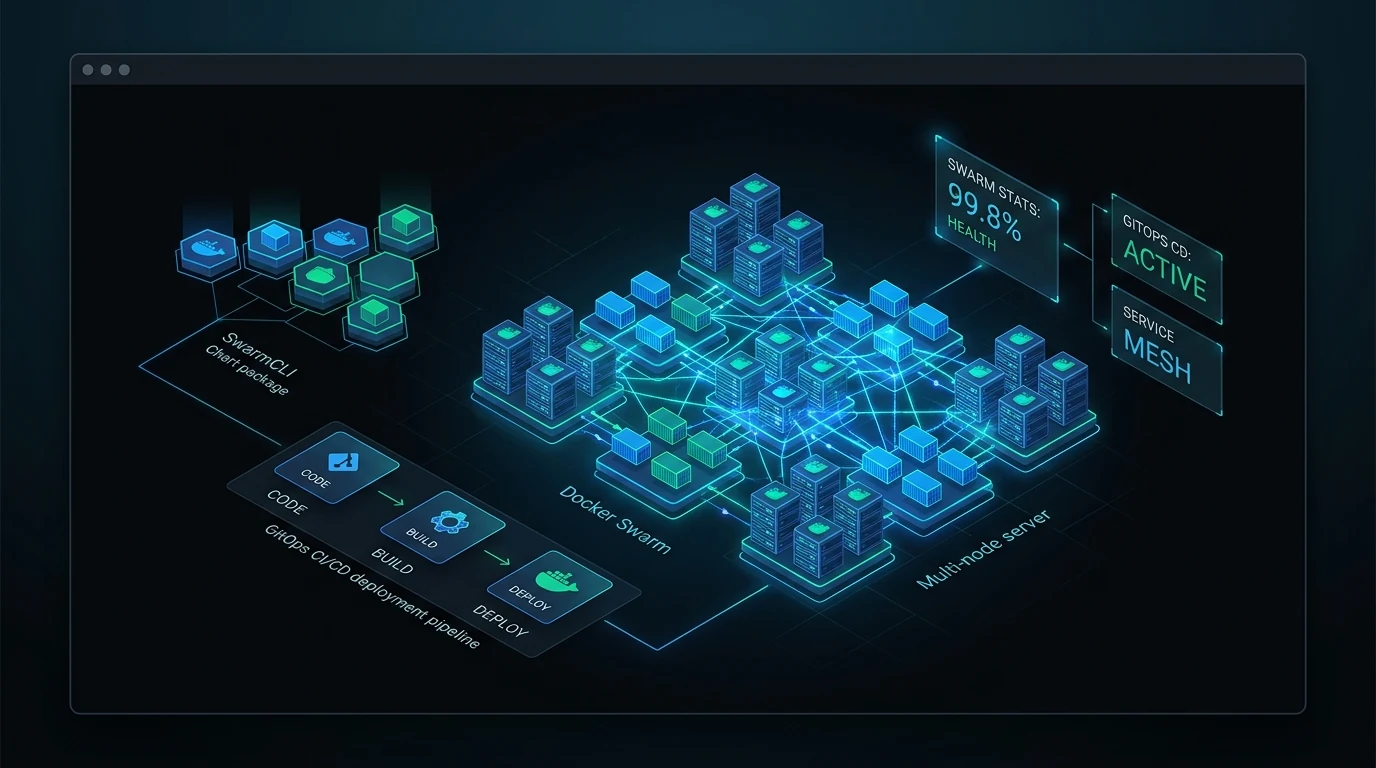
Somewhere around 2026 the industry arrived at a quiet reckoning. For most of a decade, engineering teams were told that container orchestration had one non-negotiable answer: Kubernetes. Teams with three web services and a background worker assembled platform groups, paid for managed control planes, and buried themselves in Custom Resource Definitions, Helm charts and Ingress controllers.
We call this the Complexity Tax: the toll in developer velocity, cognitive load and cloud spend paid simply to run containers across more than one machine.
Against that backdrop, a lot of engineers rediscovered Docker Swarm. It is built into the Docker engine, ships its own Raft consensus, needs no external etcd, and speaks Compose. For most production workloads it delivers what is actually needed, with a fraction of the operational overhead.
Swarm had one real gap: developer ergonomics and team tooling. While the Kubernetes ecosystem grew k9s, Helm and GitOps engines like Argo CD, Swarm operators were left piping docker service ls into grep, decoding task failures from nested JSON, copy-pasting Compose files between environments, and hand-writing shell scripts to rotate secrets.
This is the story of how SwarmCLI grew to close that gap, from a weekend terminal experiment into a platform with SwarmCLI Charts, SwarmcliProxy and a licensing model built for sovereign infrastructure, and what the v2.0.0 milestone sets up next.
1. The Genesis: "k9s for Docker Swarm"
In early 2024 our own team ran several production clusters on Docker Swarm. The clusters themselves were rock-solid. Uptime was measured in years, failover happened in milliseconds, and nothing resembling a control plane ate half the hardware.
Day-to-day operations were another matter:
- Diagnosing a service stuck in
Pendingmeantdocker service ps, copying a task hash,docker inspect, and scanning JSON for a placement constraint that did not match. - Tailing logs across ten replicas on five hosts meant terminal splitters or an unbuffered wall of stdout.
- Checking cluster health meant three commands and a mental join between node status, utilisation and tasks.
The web dashboards that existed did not fit the workflow. They were useful for a first setup, but in an incident they introduced their own problems: another HTTP endpoint and login layer to expose, a context switch out of the shell, and extra containers just to look at containers. We wrote up the comparison at the time in SwarmCLI vs. Portainer and Native Docker.
So we asked a simple question: why can't we have a fast, keyboard-driven terminal dashboard for Swarm, in the spirit of k9s, written in Go?
The Bubbletea prototype
The first SwarmCLI was built on Charm's Bubbletea and Lipgloss. The requirements were uncompromising from day one:
- A single static binary. No daemon on the cluster, nothing to install beyond the file itself.
- Instant start. Fast enough that opening it over SSH is quicker than typing the equivalent
dockercommand. - The Docker API, directly. The official Go SDK against the socket, no intermediate service.
- Vim-style ergonomics.
j/kto move,/to filter,:for commands,Enterto drill from stack to service to task to container.
┌──────────────────────────────────────────────────────────────────────────────┐
│  SWARMCLI v1.0.0 - CLUSTER: production-eu-central-1 (3 Managers, 5 Workers)  │
├──────────────────────────────────────────────────────────────────────────────┤
│  SERVICES (12)                                                               │
│  NAME               STACK         IMAGE                REPLICAS   STATUS     │
│  api_gateway        gateway       traefik:v3.1         3/3        [Running]  │
│  auth_service       core          auth:2.4.1           2/2        [Running]  │
│  billing_worker     payments      worker:1.8.0         4/4        [Running]  │
│  checkout_web       frontend      web:3.0.2            3/3        [Running]  │
│  postgres_replica   databases     postgres:16-alpine   2/2        [Running]  │
│                                                                              │
│  [j/k] Navigate  [/] Filter  [Enter] Inspect Tasks  [l] Logs  [:] Command    │
└──────────────────────────────────────────────────────────────────────────────┘
The response was immediate. DevOps engineers, homelab builders and platform teams who had been quietly running Swarm for years finally had an interface that matched how they worked. The terminal was alive again. The original announcement is still up: Introducing SwarmCLI.
2. From Observation to Control
A dashboard was step one. As teams adopted SwarmCLI for systems that mattered, the roadmap moved from watching a cluster to operating it. Four gaps stood between Swarm and serious platform engineering, and we built a native answer to each.
| Capability | What it gives you |
|---|---|
| Secure port forwarding | A tunnel into an overlay network without exposing a host port |
| Shell into any task | An interactive shell in a replica, on whichever node it landed on |
| SwarmcliProxy with RBAC and mTLS | Role-based access at the Docker API and an audit trail for every action |
| Secret reveal and rotation | Audit a secret's value without leaving plaintext anywhere |
| Cluster bootstrap | One command to stand up the secure management layer |
2.1 Secure port forwarding
In production, databases, caches and internal services live on private overlay networks with no published ports. Reaching one for debugging used to mean an SSH session to a manager, a temporary socat container, and bridging container IPs by hand.
An operator highlights a service in the dashboard, presses shift+w, and maps one of its ports to localhost; :port-forwards (:pf) lists what is open. Your local tools connect as if the database were running on your laptop, with no host port exposed and the tunnel torn down when you leave. The full walkthrough is in Secure Port Forwarding with SwarmCLI Business Edition.
2.2 A shell into any task
When a container misbehaves on a twenty-node cluster, finding which host runs service_worker.3 and its container ID wastes the minutes that matter. Highlight the task, press x, and SwarmCLI resolves the node, allocates a PTY and drops you into a shell inside the container. Exit, and you are back in the dashboard with nothing left behind.
2.3 SwarmcliProxy: real RBAC at the Docker API
Sharing /var/run/docker.sock is sharing root on the host. That single fact kept Swarm out of organisations where more than one team touches the cluster.
SwarmcliProxy is a reverse proxy built for the Docker API:
- Role-based access control.
viewer,operatorandadminroles, applied across the swarm and customisable once seeded. - No accidental teardown.
operatorcreates and updates stacks and services but has no delete verb, so a deploy identity cannot remove one. Permissions are an additive union with no deny rules, and anything unmatched is denied. - mTLS onboarding. Workstations are enrolled with client certificates, so the CLI can reach a cluster over a public network without the daemon ever being exposed. We laid that groundwork in v1.5.0.
- An audit trail. Every scale, restart and secret access is recorded with who did it and from where.
The SwarmcliProxy deep dive covers the model in detail.
2.4 Secret reveal and rotation
Docker secrets are write-only by design, which is right for production and painful for verification. SwarmCLI's Reveal action (x on a secret) creates a short-lived swarmcli-reveal-* service whose single task runs a container that prints the secret and exits — a service rather than a bare container, because Swarm only mounts a secret into a task — then reads the value out of that task's logs and removes the service again. It is pinned to the node you are connected to and forced onto the json-file log driver, so the plaintext does not travel to a log aggregator. Rotating a secret then becomes a guided rolling update rather than YAML surgery. See Managing Docker Swarm Secrets the SwarmCLI Way.
2.5 Bootstrap
:bootstrap deploys the secure management layer in one step: the proxy between your CLI and the engine, a managed context that carries TLS and authentication for you, and, on a licensed swarm, the licence-renewer service that keeps the license current without anyone remembering to. The step-by-step is in Mastering SwarmCLI Business Edition.
3. SwarmCLI Charts: Helm for Docker Swarm
Every Swarm team eventually hits the same wall: there was no standard way to package, version, share or parameterise a stack. The result was directories of docker-compose.yml variants, competing .env files and sed scripts to bridge staging and production.
Kubernetes answered this with Helm. SwarmCLI Charts brings the same workflow to Swarm: a repository, an index, versioned chart archives, and a Chart.yaml plus values.yaml on top of a templated stack file.
[ Chart repository ] ──► [ swarmcli charts install ] ──► [ Docker Swarm ]
 (index.yaml + .tgz)      (values.yaml + --set)           (deployed stack)
3.1 The workflow
If you know Helm, you already know this:
# 1. Add the official repository
swarmcli charts repo add swarmcli-charts https://eldara-tech.github.io/swarmcli-charts
swarmcli charts repo update

# 2. Find a chart
swarmcli charts search database

# 3. Install it with overrides
swarmcli charts install production-db swarmcli-charts/postgres \
  --set resources.limits.memory=2G \
  --set placement.constraints[0]="node.labels.postgres-data == true"

# 4. Later: see the defaults, upgrade, or remove
swarmcli charts show values swarmcli-charts/postgres
swarmcli charts upgrade production-db swarmcli-charts/postgres --version 0.2.2
swarmcli charts uninstall production-db
3.2 The chart library
The official repository already carries production-ready charts for the pieces most stacks are built from: postgres, mariadb, redis, traefik, keycloak, vaultwarden, gitlab, zammad, superset, renovate, swarm-cronjob, and an ollama chart for local inference. Every entry in the index is checksummed, and every archive is a GitHub release you can inspect.
Helm for Docker Swarm walks through the commands, and OpenClaw end to end shows a complete application going from swarm init to a shell inside the running service.
4. Next: GitOps Without the Kubernetes Tax
The last piece of a modern platform is GitOps: a Git repository as the single source of truth, and a controller that keeps the cluster matching it.
In the Kubernetes world that means Argo CD or Flux, and with them a set of CRDs, several controllers, a Redis, and someone whose job is keeping it all upgraded. We asked the obvious question: why should a Swarm team need a Kubernetes-sized installation to synchronise a cluster from Git?
The answer is SwarmCLI CD, and we have been building it in the open. It reconciles a swarm from a Git repository the way Argo CD does for Kubernetes: fetch, render, plan, diff, apply, prune. It detects drift, reads Swarm's own health, and leans on Swarm's native rollback when a rollout fails to converge. It deploys as one more stack on the swarm it manages, and it speaks SwarmCLI Charts natively.
[ Git repository ]
        │  commit / tag
        ▼
[ swarmcli-cd controller ]   desired state vs. running state, drift, health
        │  rolling update
        ▼
[ Docker Swarm ]
It is open source under Apache-2.0 and available now: the code, the releases and the docs are on GitHub.
5. The v2.0.0 Milestone
v1.14 was the last release of the first line. SwarmCLI v2.0.0 moves to a /v2 Go module (github.com/Eldara-Tech/swarmcli/v2), introduces the licensing architecture the rest of this post describes, and is the release the commercial tier launched on.
One thing v2 did not do is fork the product. The source is Apache-2.0. The default build ships the Business Edition features compiled in and inert until a license verifies them, so "install a license" never means "download a different program". For anyone who wants a build with those features compiled out, swarmcli-oss is published from every release.
| Core platform | Licensed capabilities |
|---|---|
| The full Bubbletea TUI | A license bound to your swarm, movable from the portal |
| SwarmCLI Charts engine | SwarmcliProxy RBAC and mTLS |
| Distributed log streaming | Port forwarding into overlay networks |
| Real-time swarm diagnostics | Shell into any task |
| Two free tiers (see below) | Headless license automation for CI |
5.1 Free, in two different ways
We made a deliberate decision: small teams, startups and homelabs should never be locked out of good tooling. So there are two free ways to run SwarmCLI, and they are free for different reasons.
- Community needs no license key at all. Unlimited nodes, unlimited vCPUs, and the core TUI. Take it for a large swarm you mainly need to watch.
- Starter is a free license key, bound to one swarm of up to 3 nodes, that unlocks the full Business Edition feature set. Take it for a small swarm you want to manage.
Neither asks for a card. A Starter key is verified offline against a public key compiled into the binary. It is renewed in the background, and a swarm that cannot reach us keeps working until its current term runs out, which is a matter of months rather than hours. Activation is one command:
swarmcli license activate
The CLI prints a device link, you sign in through the browser, and the swarm is activated.
5.2 Business Edition: bound to one swarm, movable from the portal
For swarms larger than three nodes, and for teams that want RBAC and support behind them, a Business Edition license is bound to one swarm. The binding is the point: it is what lets a license key be a plain file, safe to copy into a CI runner or a backup, because a copy is worthless on any other swarm.
Traditional licensing fails at one of two extremes. A perpetual key that leaks or outlives its subscription needs revocation lists and constant phone-home checks. Online DRM means that when the vendor's server is down, so is the customer's cluster. Binding the license to a swarm, and activating it for that swarm with a short-lived signature from our API, avoids both. Three things follow that an operator actually notices:
- The license can be moved. Retiring a cluster is a release in the customer portal followed by a fresh activation on the new swarm. The old swarm's entitlement runs out on its own within its window, so a move is possible once per window and cannot strand anyone. No client is ever given a way to move a binding, by design: tokens are deliberately exportable, and a client that could rebind would turn any ex-operator's copy into a transfer credential.
- It keeps working without us. A licensed swarm runs for up to 60 days with no contact at all, so a failure of our API, of Stripe, or of the network between us never reaches the customer's cluster. Renewal happens in the background, and
:bootstrapdeploys alicence-renewerservice so that a swarm nobody logs into stays current. - Air-gapped swarms are supported. The customer portal issues an activation file for a bound license, and it installs with one command:
Terminal
swarmcli license lease install ./cluster-lease.lic
5.3 Headless automation
The whole license lifecycle is scriptable, which matters for CI runners and ephemeral nodes:
swarmcli license activate: one-shot, browser-verified pairingswarmcli license install <file>: pre-seed a key from a file, an environment variable or a Docker secretswarmcli license lease install <file>: activate from a file, for air-gapped swarmsswarmcli license status --json: assert on license state in a pipeline
The Business Edition launch post has the full picture.
6. Swarm vs. Kubernetes in 2026
The reason SwarmCLI has grown is that the argument for Swarm has become an operational one rather than a philosophical one. We have written the detailed comparison twice, in The Case for Staying Simple and in Planning a Move to Kubernetes? Read This First. The short version:
| Concern | Docker Swarm + SwarmCLI | Managed Kubernetes |
|---|---|---|
| Control plane | Inside the Docker engine on the managers | API server, etcd, controllers, scheduler, CNI |
| Bringing up a cluster | docker swarm init and a join token | Provisioning, CNI, ingress, cert-manager, then apps |
| Adding a node | One command, seconds | Kubelet registration, CNI, kube-proxy sync |
| Smallest sensible node | A small VPS | Several GB of RAM before your workload |
| Networking | Built-in routing mesh | A CNI plus an ingress controller plus kube-proxy |
| Describing a service | A Compose file | Deployment, Service, Ingress, HPA, Certificate |
The last row is the one that decides onboarding. A new engineer reads a Compose file in five minutes. The equivalent five Kubernetes manifests take months to become fluent in, and every one of them is a place to make a mistake at 3 a.m.
7. The Philosophy: Sovereign, Pragmatic Computing
SwarmCLI's growth is a symptom of something larger: a return to choosing infrastructure for the business you have rather than the one you might one day become.
Résumé-driven architecture is over. Between 2016 and 2022, a great many stacks were chosen because of what Google and Netflix ran. In 2026 a platform that needs two full-time engineers just to survive its own upgrades is a liability, not an asset.
Sovereignty is a feature. Managed Kubernetes ties you to a hyperscaler's IAM, load balancers and storage classes. Swarm runs the same stack on bare-metal Hetzner or OVH boxes, on EC2, or on a cluster of Raspberry Pi 5s in a closet. Moving providers is an afternoon, not a programme.
Frugal AI at the edge. One of the fastest-growing uses of SwarmCLI is local inference: Ollama and vLLM spread across a few GPU nodes. A control plane that costs almost nothing leaves the VRAM and the CPU to the model.
8. What Comes Next
v2.0.0 is our most complete release, and we think Swarm's best years are ahead of it. The direction:
- SwarmCLI CD, generally available. Shipped: the GitOps controller described in section 4 is open source and available now.
- A curated, signed chart catalogue. Kubernetes has Artifact Hub. We want the equivalent for SwarmCLI Charts: hardened stacks for the usual suspects, with every archive verifiable.
- Fleet federation. Today, more than one swarm means switching Docker contexts. We want edge, staging and production visible from one session, with
/searching every task across the fleet. - Local, private AIOps. When a task crash-loops, hand the recent events to a model running on your own cluster and get a root cause in the footer, without a single log line leaving your network. We sketched the shape of it in AIOps on Docker Swarm.
Conclusion: Choosing Simplicity
There is an enduring temptation in software to mistake complexity for sophistication. It is easy to build something nobody fully understands. It is hard to build something so plain and so robust that it runs for years without attention.
Docker Swarm proved that orchestration does not have to be a full-time job. With SwarmCLI, SwarmCLI Charts and the platform growing around them, developers and platform teams finally have a control plane that is fast, sovereign, and unapologetically pragmatic.
Whether you run two mini-PCs under a desk or fifty bare-metal servers in production, SwarmCLI is built for you.
Get started
- Install SwarmCLI:
Terminal
curl -fsSL https://swarmcli.io/install.sh | sh - Activate the free Starter tier on a swarm of up to 3 nodes:
Terminal
swarmcli license activate - Read the docs and compare tiers: swarmcli.io/docs/cli, swarmcli.io/be, and the source on GitHub.