April 20, 2026
Docker mTLS for Swarm: Secure Your Cluster with SwarmCLI v1.5.0
Docker mTLS for Swarm: the manual daemon TLS procedure, why a certificate is not a user, and how the SwarmCLI proxy adds identity, roles, audit and one-command onboarding.
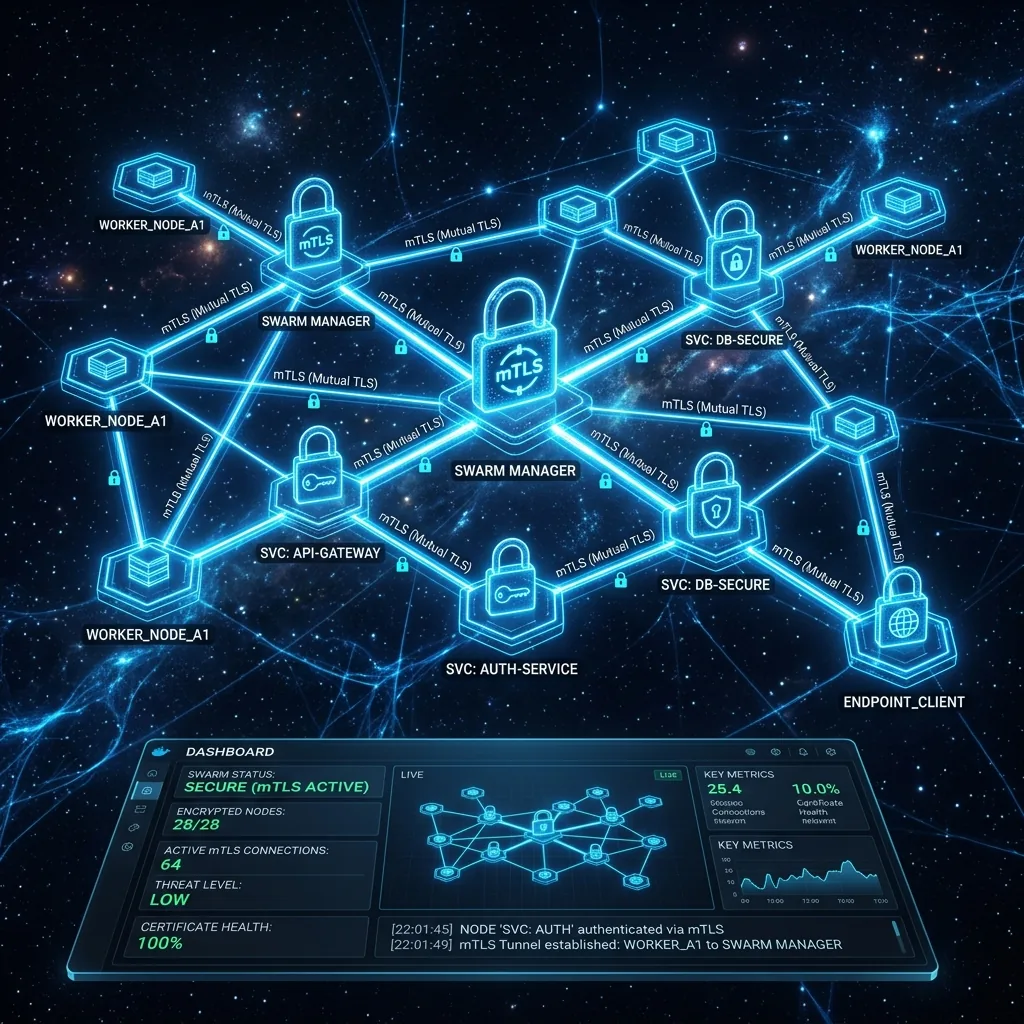
The Docker daemon's API is root on the host. Docker's own documentation puts it plainly: "Anyone with the keys can give any instructions to your Docker daemon, giving them root access to the machine hosting the daemon." On a Swarm manager, that is root on the cluster. So the question "how do I reach my swarm from my laptop?" is really "how do I authenticate to something that must never be reachable unauthenticated?", and the answer is mutual TLS: the server proves who it is with a certificate, and so does the client.
This post covers both ways to get there: the manual procedure Docker documents, and the way SwarmCLI's proxy does it for a team, which is what SwarmCLI v1.5.0 introduced and what :bootstrap deploys today.
The manual way: TLS on the daemon
Docker's Protect the Docker daemon socket page is the reference. In outline, you create a certificate authority, a server certificate for each daemon and a client certificate for each person, then run the daemon so that it refuses any connection that does not present a certificate signed by your CA.
Create the CA, once, on a machine you trust:
openssl genrsa -aes256 -out ca-key.pem 4096
openssl req -new -x509 -days 365 -key ca-key.pem -sha256 -out ca.pem
A server certificate for a manager, with its DNS name as the CN:
openssl genrsa -out server-key.pem 4096
openssl req -subj "/CN=manager1.example.com" -sha256 -new -key server-key.pem -out server.csr
openssl x509 -req -days 365 -sha256 -in server.csr -CA ca.pem -CAkey ca-key.pem -out server-cert.pem
A client certificate for a person:
openssl genrsa -out key.pem 4096
openssl req -subj '/CN=alice' -new -key key.pem -out client.csr
openssl x509 -req -days 365 -sha256 -in client.csr -CA ca.pem -CAkey ca-key.pem -out cert.pem
Run the daemon with verification on. Docker over TLS uses port 2376:
dockerd --tlsverify --tlscacert=ca.pem --tlscert=server-cert.pem \
  --tlskey=server-key.pem -H=0.0.0.0:2376
And connect with the client certificate, either per command or through the environment:
docker --tlsverify --tlscacert=ca.pem --tlscert=cert.pem --tlskey=key.pem \
  -H=manager1.example.com:2376 node ls

export DOCKER_HOST=tcp://manager1.example.com:2376
export DOCKER_TLS_VERIFY=1
export DOCKER_CERT_PATH=~/.docker/swarm-prod
This works, and for one operator it is enough. Its limits show up with the second person:
- A certificate is not a user. The daemon checks that the certificate was signed by your CA and nothing else. Alice and Bob have the same power, which is all of it, and nothing records which of them ran
docker service rm. - Revocation is manual. Docker does not consult a CRL. Removing someone means reissuing the CA or the server certificates.
- Every manager needs the server certificate, rotated before it expires, on every host, and every client needs the CA.
- There is no "read-only". mTLS answers "who may connect"; it has no opinion on what they may do once connected.
The proxy way: mTLS plus identity
SwarmCLI's RBAC proxy sits in front of the daemon on a manager and terminates mTLS itself. Clients connect to the proxy on 2376 with a client certificate; the proxy checks the certificate against its internal CA, maps it to a user, checks the user's role against the request, writes an audit entry, and forwards the request to the daemon over the local socket. The daemon itself is never exposed.
The difference in daily use is onboarding. Instead of the openssl sequence above, an admin creates the user and gets a one-time link:
swcproxy user add alice
# User 'alice' created.
# Share this command with the user:
# curl -k https://swarm.example.com:2376/api/v1/onboard/abc-123-xyz -o alice.tar
Alice downloads the bundle, which contains her client certificate, key and CA, and imports it as a Docker context:
curl -k https://swarm.example.com:2376/api/v1/onboard/abc-123-xyz -o alice.tar
docker context import alice alice.tar
docker context use alice
docker node ls
The token works once and expires. If it is lost, swcproxy user regenerate-token alice issues another; swcproxy user delete alice revokes her access immediately, with no reissuing anywhere. SwarmCLI itself uses the same context, so the terminal UI, the docker CLI and CI runners all authenticate the same way.
What the proxy adds on top of the certificate:
- Identity. Each certificate is a named user, and
swcproxy audit lsshows who did what, when, from where. - Authorisation.
swcproxy role lsandswcproxy role show adminlist roles; a viewer can read, an operator can deploy and update, an admin can do everything. The roles apply across the swarm, andoperatorhas no delete verb, so a deploy identity cannot tear a stack down. - Revocation in one command, and onboarding tokens that cannot be reused.
- One place to rotate. The proxy holds the CA; the daemon keeps listening on its local socket.
:bootstrap in SwarmCLI deploys the proxy, creates a managed context that carries the TLS material for you, and on a licensed swarm adds the licence-renewer service. The architecture, the dual listener and the persistence model are in the proxy deep dive, and the full command reference is in the proxy documentation.
Which to use
If you are the only person who touches the swarm, Docker's manual TLS is fine and has no moving parts. The moment there is a second person, a CI runner, or a compliance question about who deleted a service, mTLS alone stops being an answer, and the proxy is the smallest thing that gives you identity, roles and an audit trail on top of it. In both cases, never expose the daemon on a TCP port without TLS verification. Port 2375 without --tlsverify is root for anyone who can reach it.
A note on v1.5.0
The proxy shipped with SwarmCLI v1.5.0 in April 2026, alongside the Ctrl+Q exit key, stack YAML export, per-service secrets and configs in stack inspect, and timeouts on every Docker API call. The proxy has moved on since, to v2.1.3 at the time of the v2.0.0 release, with the onboarding flow above no longer a preview but the way every user is added.