February 17, 2026
Docker Swarm vs Portainer vs Native CLI: Why SwarmCLI Is the Lightweight Choice
Docker Swarm vs Portainer, Swarmpit and the plain Docker CLI: what each runs on your cluster, what it exposes, and which to pick for a homelab, a team or an on-call engineer.
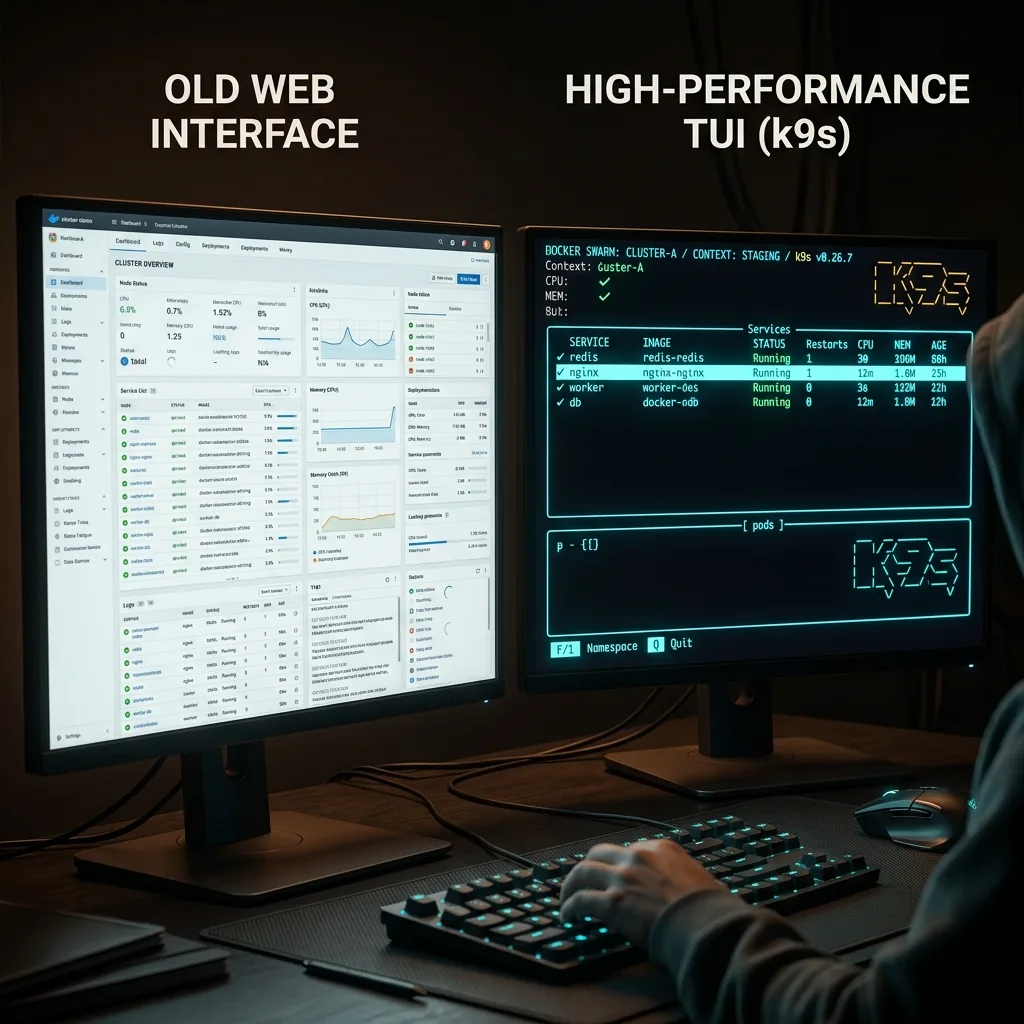
Four ways to run a Docker Swarm day to day: the docker CLI you already have, Portainer, Swarmpit, or SwarmCLI. They differ less in what they can do than in what they cost you to have around: what runs on the cluster, what is exposed, and how far you are from a shell when something breaks. This is the comparison we wish had existed when we started.
The short version
| Native Docker CLI | Portainer CE | Swarmpit | SwarmCLI | |
|---|---|---|---|---|
| Interface | Terminal | Web UI | Web UI | Terminal UI |
| Runs on the cluster | Nothing | Server plus an agent on every node | App, agent, CouchDB and InfluxDB | Nothing by default; an optional RBAC proxy |
| Network exposure | None beyond the daemon | HTTPS UI on 9443, agent on 9001 | HTTP UI | None; talks to the socket or your Docker context |
| Swarm focus | Generic | Docker, Swarm and Kubernetes | Swarm only | Swarm only |
| Live logs, exec, scale, rollback | Yes, one command each | Yes | Yes | Yes, one key each |
| Diagnose a task stuck in Pending | service ps, inspect, read JSON | Task view, then read JSON | Task view | One view, with the constraint that failed |
| Per-user access and audit | No | Users and teams; fine-grained RBAC is a paid feature | Basic | Roles, mTLS onboarding and audit log via the proxy |
| Charts or packaging | No | App templates | No | Helm-style charts |
| Cost | Free | Free; Business paid | Free | Free on up to 3 nodes with every feature; Business above that |
The native CLI
Everything below is built on it, and for a one-off command it is unbeatable. Where it hurts is the loop you run during an incident: docker service ps to find the task, copy a hash, docker inspect to find the placement constraint that did not match, docker service logs with the right flags to tail one replica on one node. Each step is a command you have to remember under pressure, and none of them show you the cluster as a whole.
Portainer
Portainer is the most widely used container UI and it supports Swarm well: stacks, services, secrets, configs and a task view, plus an app template catalogue. It is installed as a stack that runs a server and a global agent on every node, publishes its UI on 9443 and the agent port 9001, and needs the Docker socket on each node. That is the trade: a second control surface with its own login, its own upgrade cycle, and a web endpoint to protect, in exchange for a UI that non-terminal users can share. The Community Edition is free; fine-grained role-based access is part of the paid Business Edition.
Pick it if you have people who will never open a terminal, or if you run Kubernetes and Swarm side by side and want one dashboard.
Swarmpit
Swarmpit is the Swarm-only web UI: lighter than Portainer in scope, with a clean stack editor and service statistics. It runs as four services, the app, an agent, CouchDB for its own data and InfluxDB for metrics, so it is also the heaviest thing here to keep running on the cluster. It is a community project rather than a company product, which matters if you need someone to call.
Pick it if you want a Swarm-only web UI and do not mind operating its databases.
SwarmCLI
SwarmCLI is a single binary on your machine, in the spirit of k9s. It reads the same Docker socket or context you already use, so there is nothing to deploy and nothing to expose. The whole cluster is one keyboard-driven screen: stacks to services to tasks to containers, live logs across replicas, scale and rollback on a key, and a Pending-state view that names the constraint or resource that blocked the task rather than handing you JSON. For teams, the optional RBAC proxy adds mTLS onboarding, roles and an audit log, and SwarmCLI Charts bring Helm-style packaging to Swarm. Every feature is free on swarms of up to three nodes.
Pick it if the people running the swarm live in a terminal, if you would rather not add a web endpoint to a production cluster, or if you want the Swarm equivalents of Helm and RBAC without leaving Swarm.
What we would actually run
A homelab or a small team: SwarmCLI, nothing on the cluster. A mixed team where some people need a browser: Portainer for them, SwarmCLI for the on-call engineer, since both read the same swarm and neither minds the other. A Swarm-only shop that wants a web UI and is happy to run its databases: Swarmpit. And in every case, the native CLI for scripts and for the one-liner you already know.
Test it yourself: install SwarmCLI, or read how it fits a local AI cluster or a Raspberry Pi swarm. The source is on GitHub.