October 20, 2026
Switch from Docker Swarm to Kubernetes?
Moving from Docker Swarm to Kubernetes for its tools? Swarm now has open-source counterparts to k9s, Helm, Argo CD and Kubernetes RBAC.
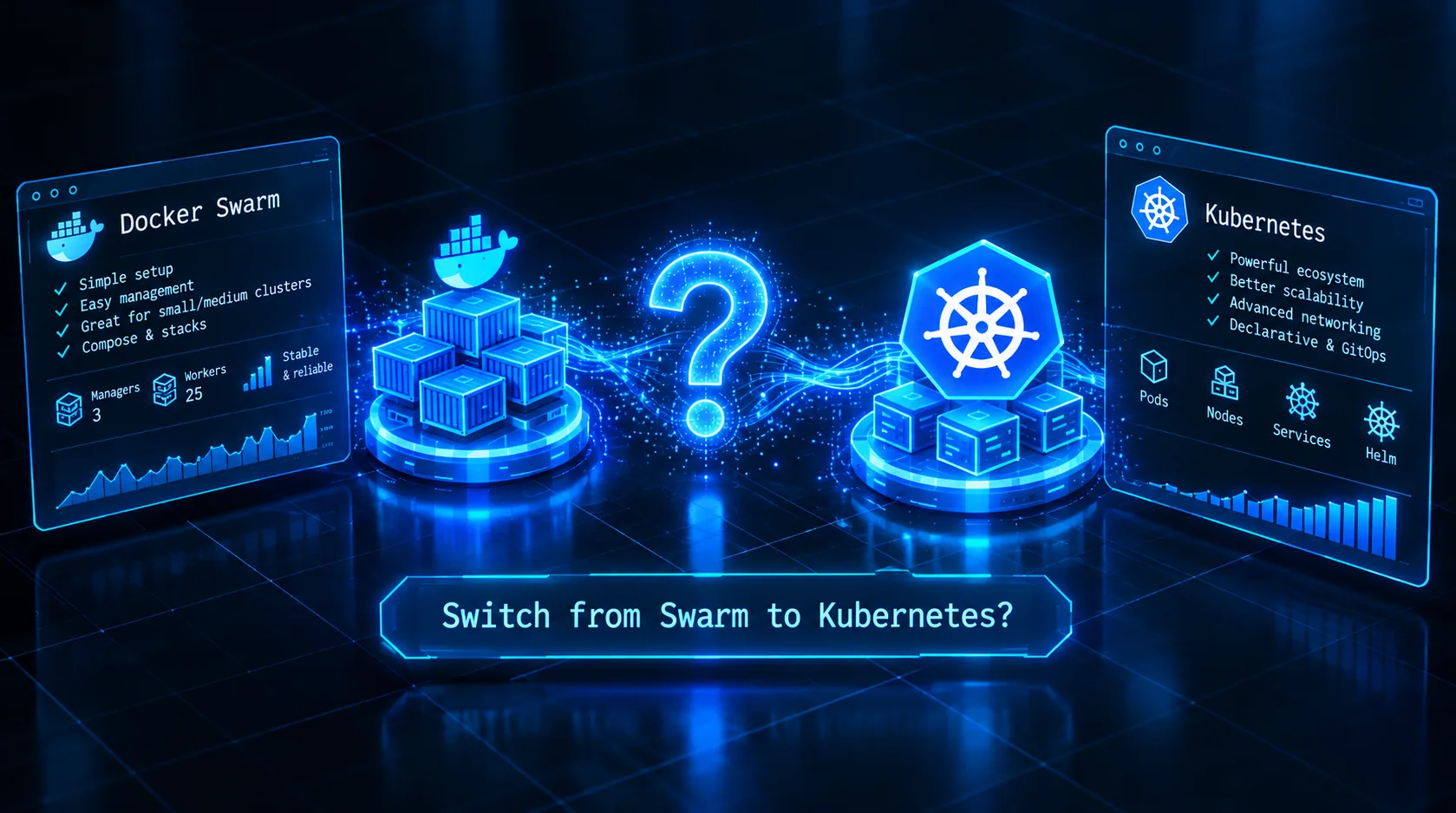
"Docker Swarm is dead."
You've probably heard it before.
"Everyone is using Kubernetes."
"The Kubernetes ecosystem is much bigger."
"There are tools for everything in Kubernetes."
And eventually you start asking yourself:
Should I switch from Docker Swarm to Kubernetes?
Before you start planning a migration, there is one question you should answer first:
Why do you actually want to switch?
Is it because Kubernetes is trending?
Because someone told you that Swarm is obsolete?
Or because you are genuinely missing tools and capabilities that make your Swarm difficult to operate?
That last one is worth investigating.
Because if your actual problem is:
"Docker Swarm is fine, but I don't have the tooling I need around it."
then there is some good news.
You don't necessarily need Kubernetes.
What if Swarm had the tools you were missing?
One of the biggest advantages Kubernetes has is not necessarily Kubernetes itself.
It is the ecosystem around it.
Think about the tools people use every day:
- k9s for cluster management
- Helm for application packaging
- Argo CD for GitOps
- RBAC and authentication tooling
- dashboards and observability tools
- a huge collection of integrations
At SwarmCLI, we started asking a simple question:
Why can't Docker Swarm have an ecosystem like this?
So we started building one.
1. k9s → SwarmCLI
If you have worked with Kubernetes, you have probably used k9s.
Instead of constantly typing commands such as:
kubectl get pods
kubectl get deployments
kubectl describe pod ...
kubectl logs ...
kubectl get nodes
you can open k9s and navigate your cluster interactively.
We wanted exactly that experience for Docker Swarm.
That's SwarmCLI.
Before
A typical Docker Swarm workflow might look like:
docker node ls

docker stack ls

docker stack services my-stack

docker service ls

docker service ps my-stack_web

docker service logs -f my-stack_web
Nothing is wrong with these commands.
But when you're operating a larger cluster, you spend a lot of time jumping between commands and remembering exactly which command gives you which piece of information.
With SwarmCLI
swarmcli
You get an interactive cluster view.
The important part isn't that it looks nice.
It's that the information is connected.
You can navigate:
Cluster
 ├── Stacks
 │    └── Services
 │         └── Tasks
 ├── Nodes
 ├── Networks
 ├── Volumes
 ├── Secrets
 └── Configs
SwarmCLI provides real-time views for services, tasks and nodes, and lets you move through the Swarm hierarchy rather than querying each object independently.
Logs
Instead of:
docker service logs -f my-stack_web
select the service and press:
l
You can also use keyboard commands for common operational tasks:
l        Logs
s        Scale service
r        Restart service
:stack   Stacks
:svc     Services
:node    Nodes
:network Networks
:volume  Volumes
:secret  Secrets
The goal is simple:
Manage your Swarm at the speed you manage Kubernetes with k9s.
2. Helm → SwarmCLI Charts
The next question is:
What about Helm?
Helm became an important part of the Kubernetes ecosystem because it gives you a standardized way to package and deploy applications.
We wanted the same concept for Swarm.
That's where SwarmCLI Charts comes in.
For a longer walk-through, see Helm for Docker Swarm: Managing Stacks with SwarmCLI Charts.
SwarmCLI starts with the swarmcli-charts repository already configured, so refresh its index:
swarmcli charts repo update
(swarmcli charts repo add <name> <url> adds any other repository.)
Search for applications:
swarmcli charts search
Install one:
swarmcli charts install \
  whoami \
  swarmcli-charts/whoami
Or configure it:
swarmcli charts install \
  whoami \
  swarmcli-charts/whoami \
  --set ingress.host=whoami.example.com
Upgrades and rollbacks
swarmcli charts upgrade whoami swarmcli-charts/whoami

swarmcli charts history whoami

swarmcli charts rollback whoami 1
You can also preview changes:
swarmcli charts diff upgrade \
  whoami \
  swarmcli-charts/whoami
And inspect what is actually deployed:
swarmcli charts status whoami

swarmcli charts get values whoami

swarmcli charts get manifest whoami
3. Helm Releases → Declarative Swarm Releases
But we wanted to go one step further.
What if you don't want to manually install every release?
What if you want your infrastructure to be declarative and reproducible?
You can define your releases in a file:
repositories:
  - name: swarmcli-charts
    url: https://eldara-tech.github.io/swarmcli-charts

releases:
  - name: whoami
    chart: swarmcli-charts/whoami
    version: '0.1.10'
    values:
      - ./whoami.yaml
Then:
swarmcli charts apply -f swarmcli-release.yaml
Or, before doing anything:
swarmcli charts apply \
  -f swarmcli-release.yaml \
  --diff
The --diff option previews the changes without deploying them.
This gives you something very familiar to Kubernetes users:
Git
 │
 ▼
Desired state
 │
 ▼
SwarmCLI Charts
 │
 ▼
Docker Swarm
4. Argo CD → SwarmCLI-CD
Now we get to GitOps.
Kubernetes users often use Argo CD to continuously reconcile their cluster with the state defined in Git.
So we asked:
Why shouldn't Swarm have the same workflow?
Enter SwarmCLI-CD.
The basic idea:
                    Git Repository
                         │
                         │
                         ▼
                  swarmcli-cd
                         │
                         │ reconcile
                         ▼
                  Docker Swarm
Instead of your CI pipeline directly pushing changes to production, Git becomes the source of truth.
For example:
infrastructure/
├── swarmcli-release.yaml
├── values/
│   ├── production.yaml
│   └── staging.yaml
└── charts/
A change goes into Git.
The CD system detects the desired state.
It reconciles the Swarm.
That's the same fundamental GitOps idea Kubernetes users are already familiar with.
For one team's setup, see GitOps for One GPU Box, Without Kubernetes.
5. Kubernetes RBAC → SwarmCLI RBAC Proxy
Then there is security.
One thing you definitely don't want in a production environment is giving every operator unrestricted access to the Docker API.
The traditional approach can easily become:
User
  │
  ▼
Docker API
  │
  └── Full access
That's not a great security model.
So we built SwarmCLI RBAC Proxy.
The architecture becomes:
                    ┌───────────────┐
                    │    Operator   │
                    └───────┬───────┘
                            │
                            ▼
                  ┌──────────────────┐
                  │ SwarmCLI RBAC    │
                  │ Proxy            │
                  └────────┬─────────┘
                           │
                           ▼
                    Docker Swarm API
Instead of simply exposing the Docker API, you can put an authentication and authorization layer in front of it.
6. And there is more
This is where the ecosystem starts getting interesting.
SwarmCLI isn't just a terminal UI.
The ecosystem now includes:
| Kubernetes world | Docker Swarm world |
|---|---|
| k9s | SwarmCLI |
| Helm | SwarmCLI Charts |
| Argo CD | SwarmCLI-CD |
| RBAC / API access | SwarmCLI-RBAC-Proxy |
And the chart ecosystem is growing.
Current SwarmCLI Charts include applications such as:
postgres        PostgreSQL
mariadb         MariaDB
mongodb         MongoDB
redis           Redis
keycloak        Keycloak
gitlab          GitLab
gitlab-runner   GitLab Runner
loki            Grafana Loki
traefik         Traefik
ollama          Ollama
superset        Superset
vaultwarden     Vaultwarden
zammad          Zammad
as well as infrastructure-oriented charts such as swarm-cronjob and swarmcli-cd.
7. The interesting question isn't "Swarm or Kubernetes?"
This is where we come back to the original question.
Should you switch from Docker Swarm to Kubernetes?
Maybe.
Kubernetes is an extremely capable platform and there are many legitimate reasons to use it.
But popularity alone isn't a technical requirement.
Before migrating, ask yourself:
Are you actually hitting a Swarm limitation?
If yes, Kubernetes might solve it.
Do you need a specific Kubernetes-only feature?
Then there may be a good reason to migrate.
Or do you simply feel that Swarm is missing the ecosystem?
That's a different problem.
Because ecosystems can be built.
And that's exactly what we're doing.
8. The future: Mobile
And we're not stopping at the terminal.
One of the things we're currently working on is a secure mobile application for Docker Swarm: SwarmCLI for iOS and Android.
Imagine being able to check your cluster from your phone:
Need to check a deployment?
Check the service.
Something went wrong?
Look at the tasks and logs.
Need to react?
Do it securely.
We're still working on it.
Stay tuned.
Don't migrate because of the trend
The Kubernetes ecosystem is impressive.
But that doesn't mean every Docker Swarm user needs to migrate.
If your infrastructure works, your team knows how to operate it, and your applications fit the platform, the more interesting question might be:
What tooling would make Docker Swarm better for you?
That's what we're building with SwarmCLI.
Docker Swarm doesn't need to become Kubernetes.
It needs great tools.
And we're building them.