May 27, 2026
Platform Engineering on Docker Swarm: An Internal Developer Platform Without Kubernetes
An internal developer platform on Docker Swarm, concretely: golden-path charts as the service catalogue, per-team access through the RBAC proxy, environments as stacks, a CI deploy that a developer never has to think about, shared monitoring and secrets, and what to leave out.
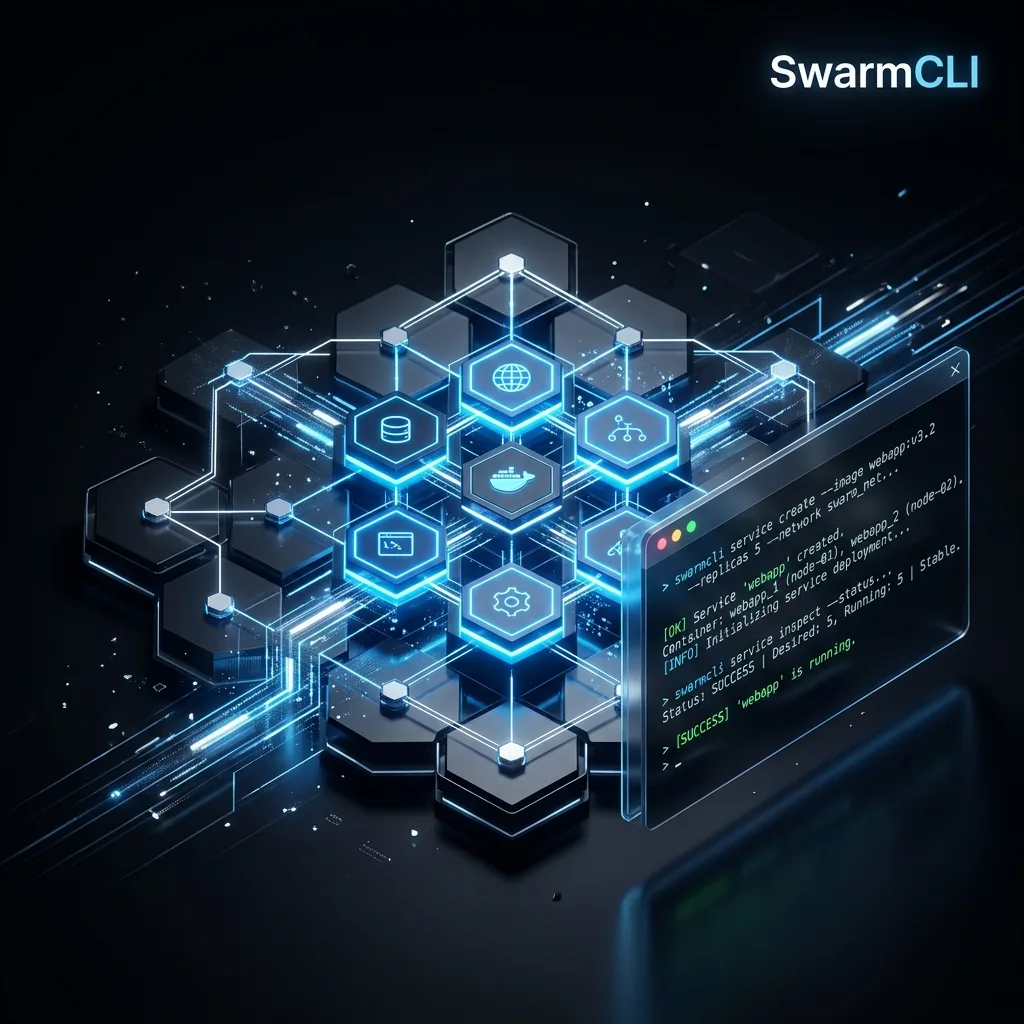
"Platform engineering" is what it is called when a company decides its developers should not each have to learn the infrastructure, and builds a paved road instead: a way to get a service from a repository to production that is the same for everyone, with the security, monitoring and secrets already on it. Most writing on the subject assumes the road is paved with Kubernetes. It does not have to be. For a team of ten to a hundred and fifty developers, a swarm gives you the same road with fewer moving parts, and this is what it looks like built out.
What the platform has to provide
Strip the vocabulary away and an internal developer platform is six promises to a developer:
- A template that produces a working service with the standards already applied.
- A catalogue of things they can deploy without asking anyone.
- An environment for their team that other teams cannot break.
- A deploy that happens when they merge, not when they file a ticket.
- Observability they did not have to set up.
- Secrets they never see in plaintext and never paste into a file.
Each maps onto something Swarm already has, plus one tool where it does not.
1. The golden path is a chart
A template that developers copy drifts the day after they copy it. A template they install does not. SwarmCLI Charts are Helm-style packages for Swarm: a stack template with values.yaml, versioned in a repository with a signed index. The platform team publishes a service chart that encodes the standards, and a developer's whole deployment is:
swarmcli charts install checkout platform/service \
  --set image=registry.example.com/checkout:1.4.2 \
  --set replicas=2 \
  --set ingress.host=checkout.internal.example.com
What the chart carries so that nobody has to remember it:
services:
  app:
    image: {{ .Values.image }}
    deploy:
      replicas: {{ .Values.replicas }}
      update_config:
        parallelism: 1
        delay: 10s
        order: start-first
        failure_action: rollback
      resources:
        limits: { cpus: '1.0', memory: {{ .Values.memoryLimit | default "512M" }} }
        reservations: { memory: {{ .Values.memoryReservation | default "256M" }} }
      restart_policy:
        condition: on-failure
      labels:
        - traefik.enable=true
        - traefik.http.routers.{{ .Release.Name }}.rule=Host(`{{ .Values.ingress.host }}`)
        - traefik.http.services.{{ .Release.Name }}.loadbalancer.server.port={{ .Values.port | default 8080 }}
        - com.example.team={{ .Values.team }}
        - com.example.owner={{ .Values.owner }}
    user: '10001:10001'
    read_only: true
    cap_drop: [ALL]
    tmpfs: [/tmp]
    healthcheck:
      test: ['CMD', 'wget', '-qO-', 'http://localhost:{{ .Values.port | default 8080 }}/healthz']
      interval: 15s
      timeout: 3s
      retries: 3
    logging:
      options: { max-size: '10m', max-file: '3' }
    networks:
      - traefik-public
      - {{ .Values.team }}-net
Rolling updates, limits, non-root, read-only, a health check, log rotation, the ingress label and the ownership labels: a developer gets all of it by naming an image. When the platform team changes a standard, it bumps the chart version, and swarmcli charts upgrade rolls it out service by service. The security hardening guide is the list of what belongs in that chart.
2. The catalogue is the chart repository
The same repository holds the things teams deploy beside their services: Postgres, Redis, MariaDB, Keycloak, a cron scheduler. swarmcli charts search is the catalogue; a developer who needs a Redis installs the platform's Redis, with the platform's backup sidecar and resource limits, rather than a redis:latest they found. The public SwarmCLI charts are a starting point; a private repository with your defaults is the platform.
3. A team's environment is a network, a label and a role
Swarm has one namespace, so team isolation is built from three things that it does have:
- A network per team.
team-payments-netis an overlay only that team's stacks join; the reverse proxy's public network is the only shared one. Services find their own team by name and nobody else's. - A label per node pool, when teams should not share hardware:
node.labels.pool == paymentsin the chart's placement constraint, set from a value. - A role per identity in the RBAC proxy. The proxy sits in front of the Docker API with mTLS and binds each context to
viewer,operatororadmin. The roles are swarm-wide rather than per stack, and permissions are an additive union with no deny rules — so what the proxy buys here is that anoperatorhas no delete verb and cannot destroy anything, plus a record of who did what. The network and node-label boundaries above are what keep one team's workloads away from another's.swcproxy user addonboards a developer with a one-time link;swcproxy audit lssays who deployed what.
Environments follow the same shape. Staging and production are separate swarms with the same charts and different values files; a developer's context points at one or the other, and the proxy decides what they may do on each.
4. The deploy happens on merge
The CI job is short because the chart carries the standards:
name: Deploy
on:
  push:
    branches: [main]
jobs:
  deploy:
    runs-on: ubuntu-latest
    steps:
      - uses: actions/checkout@v4
      - uses: docker/login-action@v3
        with:
          registry: registry.example.com
          username: ${{ secrets.REGISTRY_USER }}
          password: ${{ secrets.REGISTRY_TOKEN }}
      - run: docker build -t registry.example.com/checkout:${{ github.sha }} . && docker push registry.example.com/checkout:${{ github.sha }}
      - name: Deploy through the proxy
        env:
          DOCKER_CONTEXT: production
        run: |
          docker context import production <(base64 -d <<< "${{ secrets.SWARM_CONTEXT_B64 }}")
          swarmcli charts upgrade checkout platform/service \
            --set image=registry.example.com/checkout:${{ github.sha }} \
            --wait
The context in the secret is one the proxy issued to a CI identity with the operator role, which deploys and updates but cannot delete, so a compromised pipeline can redeploy checkout and cannot tear a stack down. The role is swarm-wide rather than scoped to these stacks: the network and node-label boundaries above are what stop it reaching another team's workloads. --wait fails the job if the rollout does not converge, and failure_action: rollback in the chart means production is already back on the old image by the time the job is red. Image scanning and signing belong in this job too, before the push; the hardening guide has the steps.
5. Observability is a stack the platform team runs once
The monitoring stack is deployed once per swarm: Prometheus discovers every service through tasks.<service> DNS, cAdvisor labels every metric with the service and stack name, and the ownership labels the chart adds (com.example.team) become the dimension the platform team groups by. A developer's service is on the dashboards the moment it is deployed, and a team's alerts route to that team's channel by the label. Nothing to set up on the service side; that is the point of putting it in the chart.
SwarmCLI is the day-to-day view for both sides: the platform team sees the whole swarm, and a developer with a team role sees their stacks, their tasks with the real error, and their logs across replicas, through the same proxy that limits what they can change.
6. Secrets are created by the platform, read by the service
The chart mounts secrets: by name and the service reads /run/secrets/<name> through the _FILE convention; the developer's part is over. Creating and rotating them is the platform team's job, from a secret manager if you have one, with a versioned name and a rolling update, exactly as the secrets guide describes. A developer who needs to check a value asks for the reveal through the proxy, where it is audited, rather than for the value in a chat message.
What to leave out
- A developer portal, until people ask for one. A
READMEin the platform repository that lists the charts and the three commands is the portal for the first year. - Policy engines. The chart is the policy. A service that is not deployed from the chart does not get an ingress label, so it is not reachable, which is enforcement enough.
- Autoscaling. Swarm does not have it, and a team that needs it has a workload that belongs on Kubernetes; the comparison is honest about where that line is.
- A second orchestrator for the platform itself. The monitoring stack, the proxy and the registry run as stacks on the same swarm, pinned to a platform node pool. One thing to operate.
What it costs to run
A platform node pool of three small managers and the workers the teams need, on published node prices, with no control-plane fee, and one or two people who already knew Docker. That last line is the argument: the platform team for a Swarm-based IDP is the team you have.