August 12, 2026
Docker Swarm Commands: The Reference, with the SwarmCLI Equivalent for Each
Every Docker Swarm command you use in practice, grouped by swarm, node, service, stack, secret, config and network, with the flags that matter and what the same action looks like in SwarmCLI.
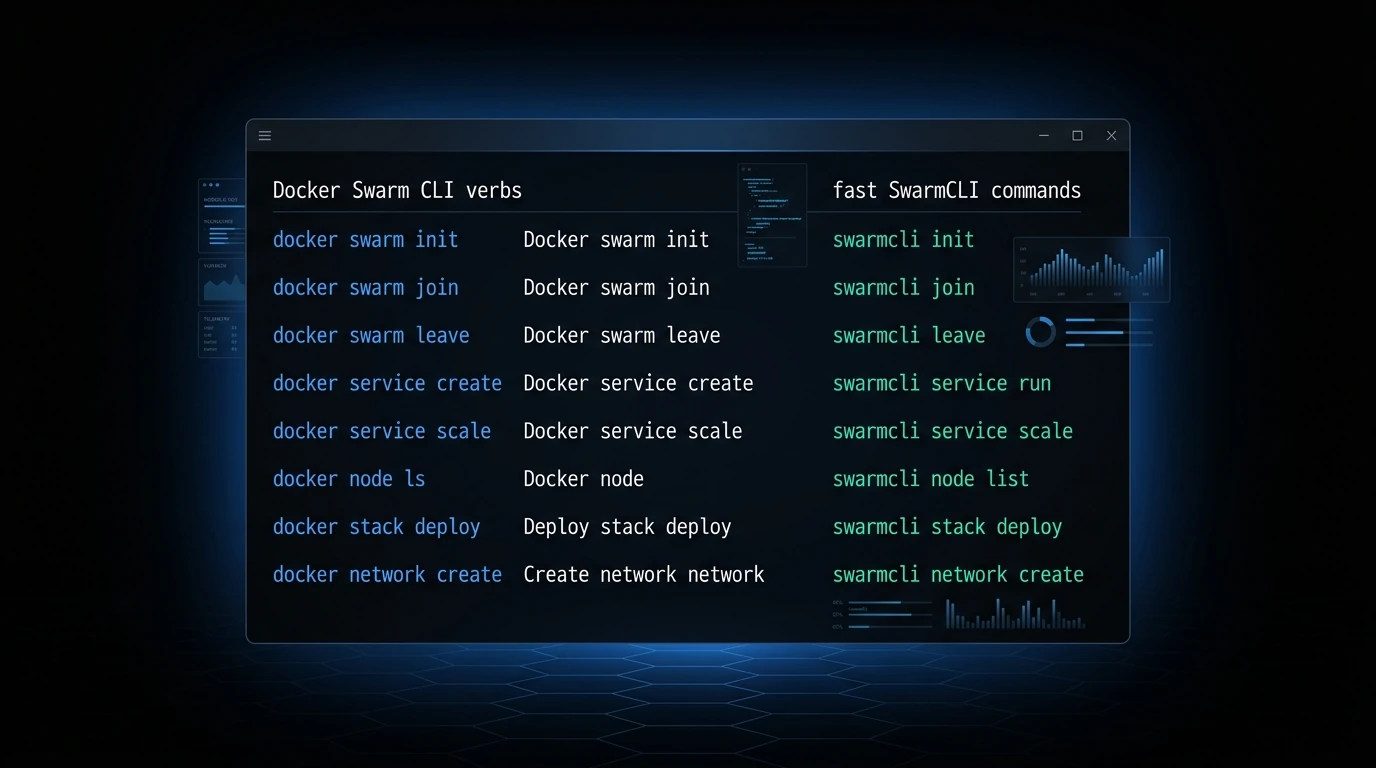
Docker's Swarm mode documentation is spread across a dozen reference pages, and the day you need a command is the day you least want to search for it. This is the working set, grouped by what you are operating on, with the flags that matter in practice and what the same action looks like in SwarmCLI, the terminal UI that reads the same Docker context. Anything not here is in the Docker CLI reference.
The swarm
docker swarm init --advertise-addr 10.0.0.1          # first manager; prints the worker join command
docker swarm join-token worker                         # print (or --rotate) the worker join token
docker swarm join-token manager                        # same for managers
docker swarm join --token <token> 10.0.0.1:2377        # on a new node
docker swarm leave                                     # on a worker; --force on a manager
docker swarm update --autolock=true                    # encrypt the Raft key at rest; prints the unlock key
docker swarm unlock                                    # after a manager restart with autolock on
docker swarm unlock-key --rotate                       # new unlock key
docker swarm update --cert-expiry 2160h                # node certificate lifetime (default 90 days)
docker swarm ca --rotate                               # rotate the swarm's root CA
docker info --format '{{json .Swarm}}'                 # is this node in a swarm, and is it a manager
Three or five managers, never an even number: the swarm keeps working while a majority of managers is up. init and join are the only commands you run on every node; everything else runs on a manager.
SwarmCLI: the cluster overview shows every node's role, availability and manager reachability on one screen.
Nodes
docker node ls                                         # every node, role, availability, engine version
docker node ps <node>                                  # tasks running on a node
docker node inspect <node> --pretty                    # labels, resources, plugins, address
docker node update --availability drain <node>         # move every task off before maintenance
docker node update --availability active <node>        # and back
docker node update --label-add gpu=true <node>         # a label to constrain placement on
docker node update --label-rm gpu <node>
docker node promote <node>                             # worker to manager
docker node demote <node>                              # manager to worker
docker node rm <node>                                  # after it has left, or --force
Drain before you reboot, demote before you remove a manager, and give nodes labels rather than pinning services to hostnames.
SwarmCLI: the nodes view lists labels and live CPU, memory and task counts, and drain, activate, promote and demote are actions on the selected node.
Services
docker service create --name web --replicas 3 --publish 80:80 --network app-net nginx:1.27
docker service ls                                      # every service with replicas running/desired
docker service ps --no-trunc web                       # every task, its node, state and last error
docker service logs -f --tail 100 web                  # all replicas, interleaved; add a task id for one
docker service inspect --pretty web                    # the resolved spec: image, update config, constraints
docker service scale web=5 api=2                       # change replica counts
docker service update --image nginx:1.28 web           # rolling update under the service's update_config
docker service update --with-registry-auth --image registry.example.com/web:2.0 web   # private registry: send the credentials along
docker service update --replicas 4 --limit-memory 512M web
docker service update --env-add LOG_LEVEL=debug --env-rm DEBUG web
docker service update --secret-rm db_pw --secret-add source=db_pw_v2,target=db_pw web
docker service update --constraint-add 'node.labels.zone == a' web
docker service update --force web                      # re-create every task with the same spec (a restart)
docker service rollback web                            # back to the previous spec
docker service rm web
--with-registry-auth is the flag behind most "no such image" errors on a private registry: the nodes pull with the credentials the command carries, and without it they pull anonymously. --no-trunc on service ps is the flag people forget; without it the error column is cut off exactly where the reason was. update --force is the restart Swarm does not otherwise have. Rolling behaviour comes from --update-parallelism, --update-delay, --update-order start-first and --update-failure-action rollback, all settable on create and update.
SwarmCLI: the services view is the ls; selecting one shows its tasks with the full error; logs, scale, restart, rollback and inspect are one key each from the service, and a task's shell is a key away in Business Edition.
Stacks
docker stack deploy -c stack.yml shop                  # create or update every service in the file
docker stack deploy -c base.yml -c prod.yml shop       # later files override earlier ones
docker stack deploy -c stack.yml --with-registry-auth shop   # pass your registry login to the nodes; private images fail to pull without it
docker stack deploy -c stack.yml --prune shop          # also remove services no longer in the file
docker stack ls                                        # stacks and their service counts
docker stack services shop                             # the services one stack owns
docker stack ps --no-trunc shop                        # every task across the stack
docker stack config -c stack.yml                       # print the merged, resolved file without deploying
docker stack rm shop                                   # remove every service, network and config it created
deploy is idempotent: run it again with a changed file and only the services whose spec changed roll. Secrets and configs declared external: true are not removed by stack rm. The file is Compose format with a deploy: key per service; the Compose to Swarm guide covers the conversion, and SwarmCLI Charts package stacks with values and versions the way Helm does.
SwarmCLI: the stacks view lists each stack's services and their health; a stack's tasks, errors and logs are one level down, and a deployed stack's YAML can be exported back to disk.
Secrets and configs
printf '%s' 'S3cr3t' | docker secret create db_pw -    # from stdin, out of the shell history
docker secret create site_key ./site.key               # from a file
docker secret ls
docker secret inspect db_pw                            # metadata only; the value is never returned
docker secret rm db_pw                                 # only once no service references it

docker config create nginx_conf ./nginx.conf
docker config ls
docker config inspect --pretty nginx_conf              # configs do show their content
docker config rm nginx_conf
Secrets and configs are immutable: rotation is a new versioned name plus a service update --secret-rm/--secret-add with the same target, so the path inside the container does not change. Docker Swarm secrets covers the whole lifecycle.
SwarmCLI: the secrets view shows age, which services use each one and which are orphaned; the reveal action shows a value by creating a one-task service whose container prints the secret, reading it out of that task's logs and removing the service again.
Networks
docker network create --driver overlay app-net                       # for services in one stack
docker network create --driver overlay --attachable shared-net       # also usable by docker run and other stacks
docker network create --driver overlay --opt encrypted secure-net    # IPsec between nodes
docker network ls --filter driver=overlay
docker network inspect app-net --format '{{json .Containers}}'      # who is attached on this node
docker network rm app-net                                            # only once nothing uses it
Overlay networks give services DNS by name and a virtual IP that load-balances across replicas. ingress is the routing mesh for published ports and is not yours to modify lightly. Between nodes, keep TCP 2377, TCP/UDP 7946 and UDP 4789 open, and to nothing else; the security hardening guide has the rest.
SwarmCLI: the networks view shows each overlay with the nodes it is attached on and the services using it, which is the first thing to compare when two services cannot reach each other.
Flags that bite
--update-order start-firstonservice updatestarts the new task before stopping the old one, which is the zero-downtime order for a single-replica service; the defaultstop-firstleaves a gap.--endpoint-mode dnsrrdisables the service's virtual IP and returns every task's IP from DNS instead. It is required when you publish ports inmode: host, and it is what a client library that does its own load balancing wants.--mount type=volume,source=data,target=/dataon the command line is the stack file'svolumes:;type=bindneeds the path on every node the task can land on, andtype=tmpfsis the in-memory scratch space for a read-only container.docker service logs --rawdrops the task-name prefix, which is what you want when piping to a parser;--since 10mand a task id instead of the service name narrow it further.--stop-grace-period 30sand--stop-signal SIGINTdecide how a task is asked to stop during an update; a database with the 10-second default and the wrong signal is a database that recovers on every deploy.--host db.example.com:10.0.0.9adds an/etc/hostsentry to every task, the service equivalent ofextra_hosts:.--reserve-memoryversus--limit-memory: the reservation is what the scheduler needs free on a node before it places the task; the limit is where the kernel kills it. Set both, and set the limit above the reservation.
Common concerns, answered
How do I see why a Docker Swarm service is not running? docker service ps --no-trunc <service> lists every task with its current and desired state and the error that stopped it. docker service logs <service> shows the output of all replicas. In SwarmCLI both are one key from the service.
How do I update a service in Docker Swarm without downtime? docker service update --image image:tag <service> replaces tasks under the service’s update_config: one at a time with a delay by default, and with failure_action: rollback it reverts on its own if the new tasks fail. docker service rollback undoes the last update by hand.
What is the difference between docker service and docker stack? A service is one replicated container definition. A stack is a group of services, networks, secrets and configs deployed together from a Compose-format file with docker stack deploy, and removed together with docker stack rm.
The diagnostic sequence
When something is wrong and you do not know what, this order finds it fastest:
docker node ls                                    # is every node Ready and Active, and are managers reachable
docker service ls                                 # which service is below its desired count
docker service ps --no-trunc <service>            # what stopped its tasks, and on which node
docker service logs --tail 200 <service>          # what the application said
docker node inspect <node> --pretty               # does that node have the labels and resources the task needs
docker network inspect <net>                      # is the service's network attached where the task landed
Or open SwarmCLI, where those six answers are on two screens. The Pending-states guide and the ten most common issues take it from there, and the Definitive Docker Swarm Guide covers the concepts behind every command above.