June 15, 2026
Self-Hosting 15+ Apps on Docker Swarm in 2026 – The Ultimate Homelab Stack
Discover the ultimate 2026 homelab stack featuring 15+ self-hosted apps like Jellyfin, Immich, and Home Assistant running on Docker Swarm managed by SwarmCLI.
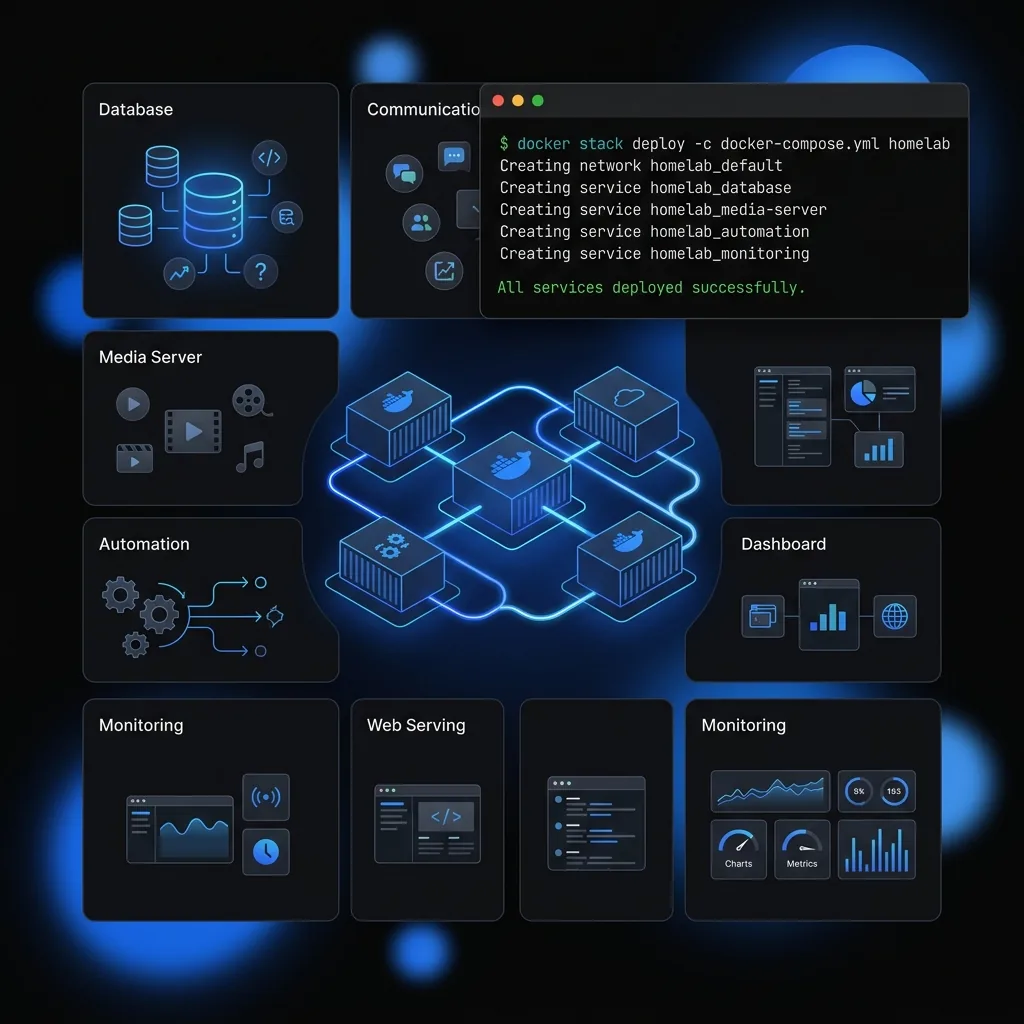
The self-hosting movement is stronger than ever in 2026. With growing concerns around privacy, cloud costs, and service shutdowns, many people are moving their digital life to their own hardware.
Docker Swarm remains one of the best platforms for running a serious homelab, and it is still maintained and supported in 2026 despite what you may have read. It gives you multi-node redundancy, easy updates, automatic failover, and simple management - without the complexity of Kubernetes. If you're currently on a single machine, check out our zero-downtime migration guide to make the jump.
This guide presents the Ultimate Homelab Stack 2026 - a battle-tested collection of 15+ high-quality self-hosted apps running beautifully on Docker Swarm.
Why Docker Swarm is Still Excellent for Homelabs in 2026
- Simple learning curve if you already use Docker Compose
- Built-in high availability and load balancing
- Easy scaling across multiple machines (old laptops, mini PCs, etc.)
- Great community and tool support
- Lower resource usage than Kubernetes (see what a swarm actually costs to run)
Many homelabbers now run 5–12 node Swarms using recycled hardware and report excellent stability.
Recommended Hardware Setup (2026)
- 3–7 nodes (mix of mini PCs, old laptops, or NUCs)
- At least 2 nodes with decent CPU/GPU for AI workloads
- Shared storage (GlusterFS, Ceph, or TrueNAS)
- Gigabit networking (ideally 2.5G or 10G)
The Ultimate 2026 Homelab Stack
Here’s the curated list of 15+ apps, organized by category:
Media & Entertainment
- Jellyfin – Media server
- Sonarr + Radarr + Lidarr + Readarr – *arr suite
- Prowlarr – Indexer manager
- qBittorrent + FlareSolverr – Downloads
- Immich – Google Photos replacement
Productivity & Knowledge
- Nextcloud – Files, calendar, notes
- Paperless-ngx – Document management
- Linkding – Bookmark manager
- Hoarder – Web archiving
Automation & Smart Home
- Home Assistant
- Node-RED
- Frigate – NVR with object detection
AI & Local LLMs
- Ollama + OpenWebUI
Infrastructure & Management
- Prometheus + Grafana + Loki
- Traefik – Reverse proxy
- Vaultwarden – Bitwarden compatible password manager
- SwarmCLI – The essential control plane for all 15+ apps
Bonus apps: Actual Budget, Stirling PDF, MeTube, Calibre-Web, etc.
Core Networking & Storage Setup
Recommended Overlay Networks:
frontend– For user-facing servicesbackend– Internal communicationmonitoring– Isolated monitoring stackmedia– For high-bandwidth media apps
Storage Strategy:
- Use GlusterFS or Ceph for shared volumes
- Local volumes + node constraints for databases and high-IOPS apps
- NFS as a simpler alternative for lighter workloads
Sample Docker Stack Structure
Create a folder structure like this:
/swarm
  /traefik
  /media
  /arr
  /immich
  /monitoring
  /ai
  /nextcloud
Key Stack Examples
1. Traefik Reverse Proxy (Foundation)
version: '3.9'

services:
  traefik:
    image: traefik:v3.1
    deploy:
      placement:
        constraints: [node.role == manager]
    ports:
      - '80:80'
      - '443:443'
    volumes:
      - /var/run/docker.sock:/var/run/docker.sock
    command:
      - --providers.docker.swarmMode=true
      - --entrypoints.websecure.address=:443
2. Media Stack Snippet (Jellyfin + *arr)
Use labels for Traefik routing and resource constraints.
3. AI Stack (Ollama + OpenWebUI)
(Refer to our comprehensive AI orchestration guide for detailed config)
Best Practices for a Stable 2026 Homelab Swarm
- Use Constraints & Placement - Pin heavy services (Jellyfin, Immich, Frigate) to powerful nodes.
- Secrets Management - Use Swarm secrets for passwords and API keys.
- Zero-Downtime Updates - Always use
update_configwith proper delays. - Backups - Automate backups of configs + critical volumes.
- Monitoring - Set up proper alerts (see our AIOps guide).
- Security - Use Tailscale or Headscale + Authelia for access control.
Maintenance & Daily Operations
- Update stacks weekly with a simple script
- Monitor disk usage and model cache sizes
- Keep an eye on GlusterFS healing processes
- Use SwarmCLI to manage all stacks from a single terminal interface
[!TIP] SwarmCLI Pro Tip: Is your media server (Jellyfin) hung or not picking up a new file? Instead of digging through a GUI, just run
swarmcli service restart media_jellyfinfor a clean, zero-config bounce. It's the fastest way to keep your family happy and the media flowing.
Common Challenges & Solutions
| Challenge | Solution |
|---|---|
| Database corruption | Avoid NFS for SQLite apps, use constraints |
| High memory usage | Set resource limits + reservations |
| Slow media scanning | Use fast local SSDs for libraries |
| Service discovery issues | Stick to overlay networks consistently |
| Update fatigue | Automate with watchtower or custom scripts |
Your Personal 2026 Homelab Results can be
With this stack on a 5-node Swarm you can achieve:
- 99.9% uptime
- Full local AI capabilities
- Complete media automation
- Private photo backup for the family
- Much lower monthly costs than cloud services
Conclusion: The Best Time to Self-Host is Now
2026 is a golden year for self-hosting. Hardware is powerful and cheap, tools are mature, and Docker Swarm offers the perfect middle ground between simplicity and capability.
Whether you have 3 nodes or 12, you can run a highly available, private, and powerful homelab that replaces dozens of paid cloud services. Combined with SwarmCLI, the management of even a complex 15-app stack becomes trivial.
Ready to get started?
- Build your Swarm cluster
- Deploy Traefik first
- Add monitoring
- Start with the *arr suite or Immich