February 12, 2026
Deep Dive: How SwarmCLI Simplifies Docker Swarm Operations for DevOps Teams
As Docker Swarm continues to power production environments for its minimal overhead, tools that enhance its usability are in high demand.
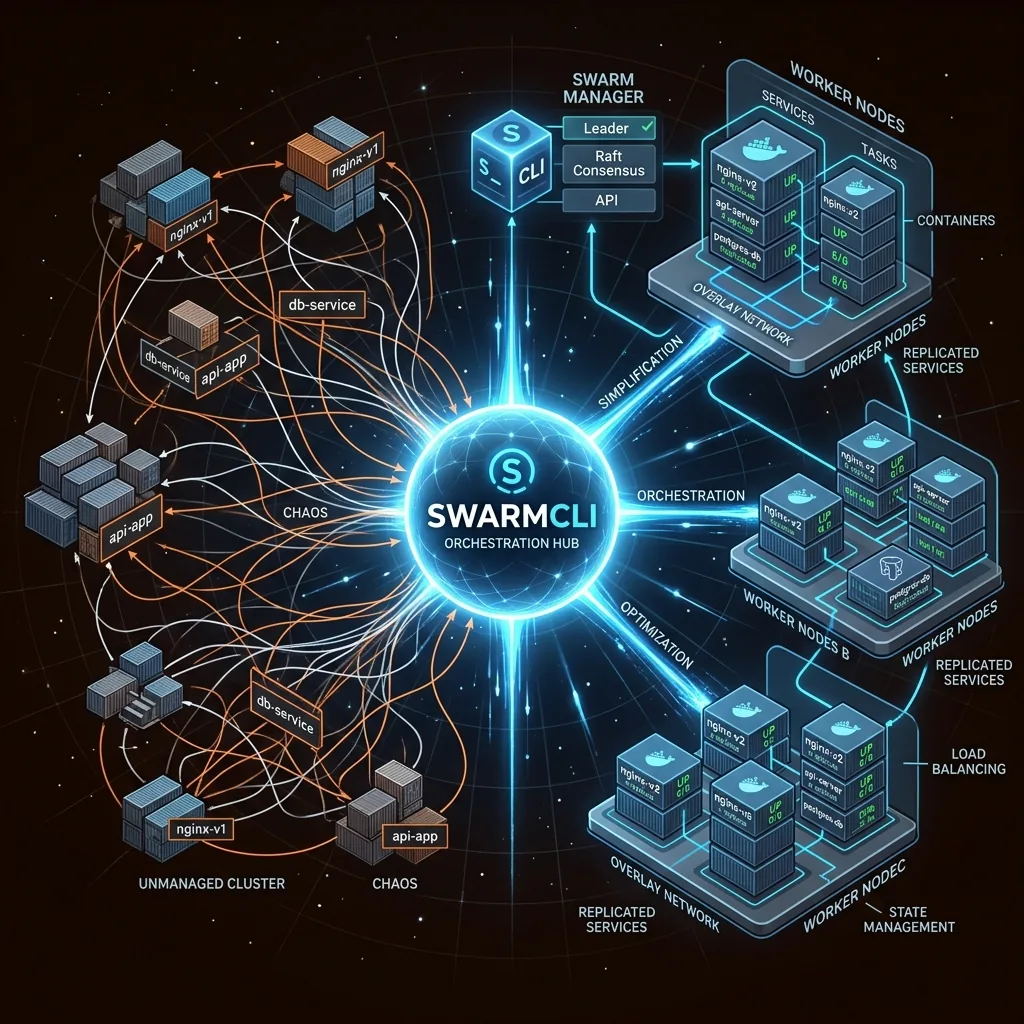
As Docker Swarm continues to power production environments for its minimal overhead and native Docker integration, tools that enhance its usability are in high demand. In my last post, I introduced SwarmCLI, the open-source CLI tool that's like k9s for Swarm. Today, let's dive deeper into its features and how they streamline real-world workflows.
The Core Workflow: From Setup to Scaling
SwarmCLI's TUI lets you navigate Swarm entities interactively — no more memorizing commands. Here's how it shines in key areas:
Stacks and Services: Your Deployment Powerhouse
- List and Inspect: Quickly view stacks and services. Drill down with inspections for configs, ports, and more.
Terminal
docker stack ls docker stack services - Scaling and Rollbacks: Adjust replicas on the fly or rollback bad deploys. Immediate error overviews flag issues instantly.
Terminal
docker service scale <SERVICE>=<REPLICAS> docker service update --rollback <SERVICE> - Logs and Tasks: Tail logs or check task status without leaving the interface — perfect for debugging live.
Terminal
docker service logs <SERVICE>
docker service ps <SERVICE>
In the Community Edition, these are all free. For teams, a Business Edition is planned, which will add features like shell access (e.g., exec into containers) and port forwarding for secure remote testing.
Nodes and Networks: Infrastructure at Your Fingertips
- Node Management: List nodes, promote/demote managers, add labels, or delete nodes safely.
Terminal
docker node ls - Network Ops: Create, inspect, prune, or delete networks to keep things tidy.
Terminal
docker network prune
Configs and Secrets: Secure Data Handling
- CRUDE for configs and secrets, with inspection and creation. The "Reveal" feature for secrets will be available in a Business Edition.
Contexts: Multi-Env Mastery
- Switch between dev, staging, and prod seamlessly, with export/import for sharing setups.
Terminal
docker context use <CONTEXT_NAME>
Real-Use Case: Debugging a Failing Service
Imagine a service crashing in production. With SwarmCLI:
- List services and spot the offender.
- View tasks and logs in real-time.
- Scale down, rollback, and restart — all in seconds.
- Check node health to rule out hardware issues.
This workflow saved our team hours compared to native CLI.
Head togithub.com/Eldara-Tech/swarmcli to install and contribute.
If this resonates, give us a star and follow for more DevOps tips!